Digital product

Canva Template

Wedding Website & Save-the-Date Kit

1 review Rated 5.0 out of 5. Read customer reviews.

Price: $10.50 USD

Regular price: $14.99 USD30% off

Available

A question about this edition?Contact us

Canva Template

Digital download

Automatic access is provided after payment confirmation. Allow up to 1 hour.

Digital files and access

What’s included
  • Buyer-safe Access PDF with the editable Canva wedding-website template link
  • 10-page Start Here PDF with editing, publishing, accessibility, and messaging guidance
  • XLSX guest-response tracker with formulas and validations
File formats
PDF, XLSX, Canva template
Contents
3 delivered files, including a 10-page Start Here guide
Compatibility
A free Canva account is required to edit the template; the design avoids Pro-only assets. The countdown depends on current Canva app availability and must be tested after personalization. Preserve formulas and validations when importing the XLSX into another spreadsheet platform.
Editing
Canva, Excel-compatible spreadsheet application, PDF reader
Usage rights
Personal use for one wedding or event. The purchaser may edit, publish, and share the finished guest website for that event, but may not resell, redistribute, sublicense, extract assets for commercial use, or create a competing template.

Share this product

Facebook Pinterest

Share using your device or copy the product link for any app.

See it in action ▷

The full story

Product details

What you receive

  • Buyer-safe Access PDF with the editable Canva wedding-website template link
  • 10-page Start Here PDF with editing, publishing, accessibility, and messaging guidance
  • XLSX guest-response tracker with formulas and validations
What this helps with
  • Event planning
Read the full contents and product details

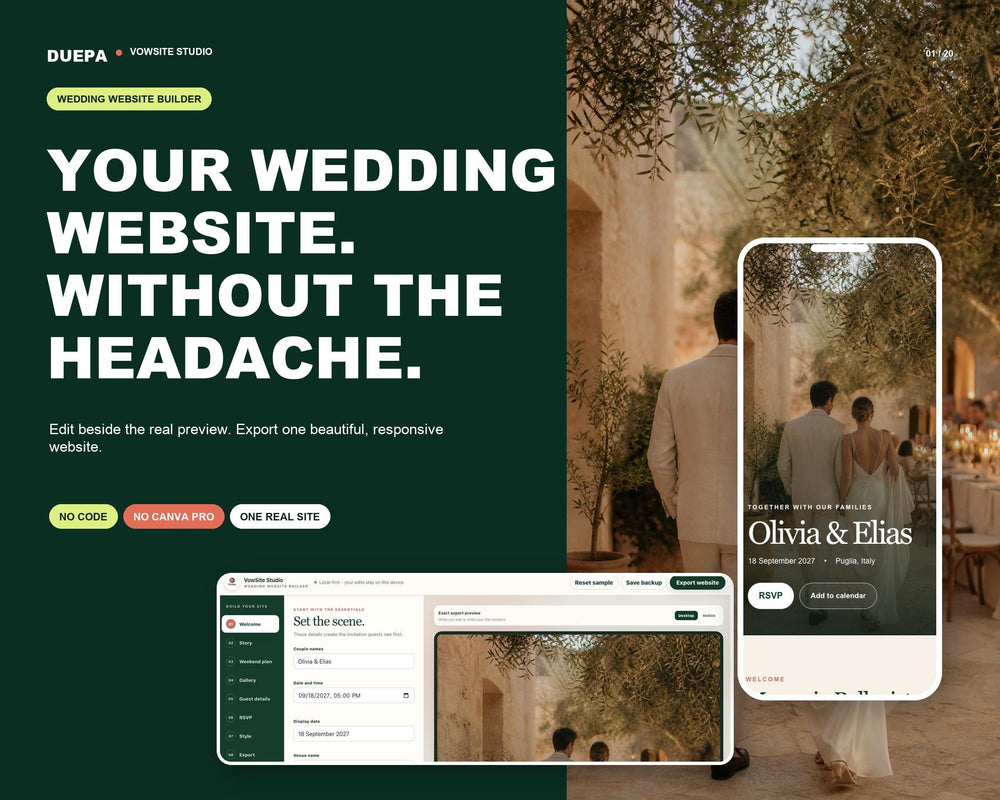
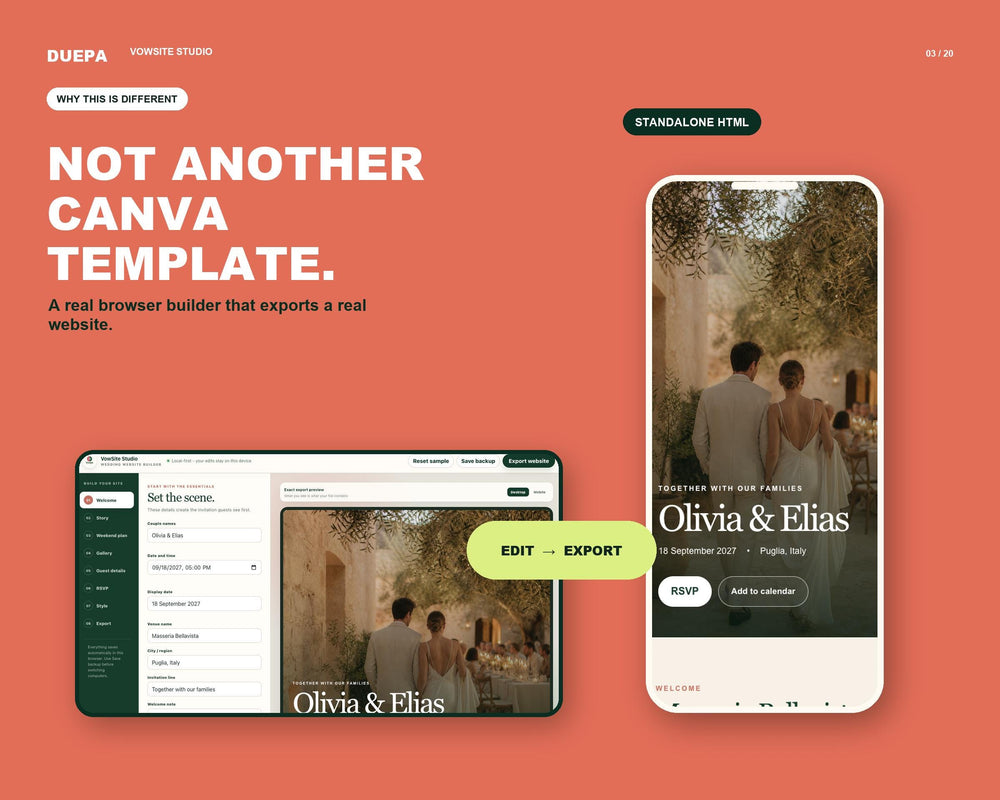
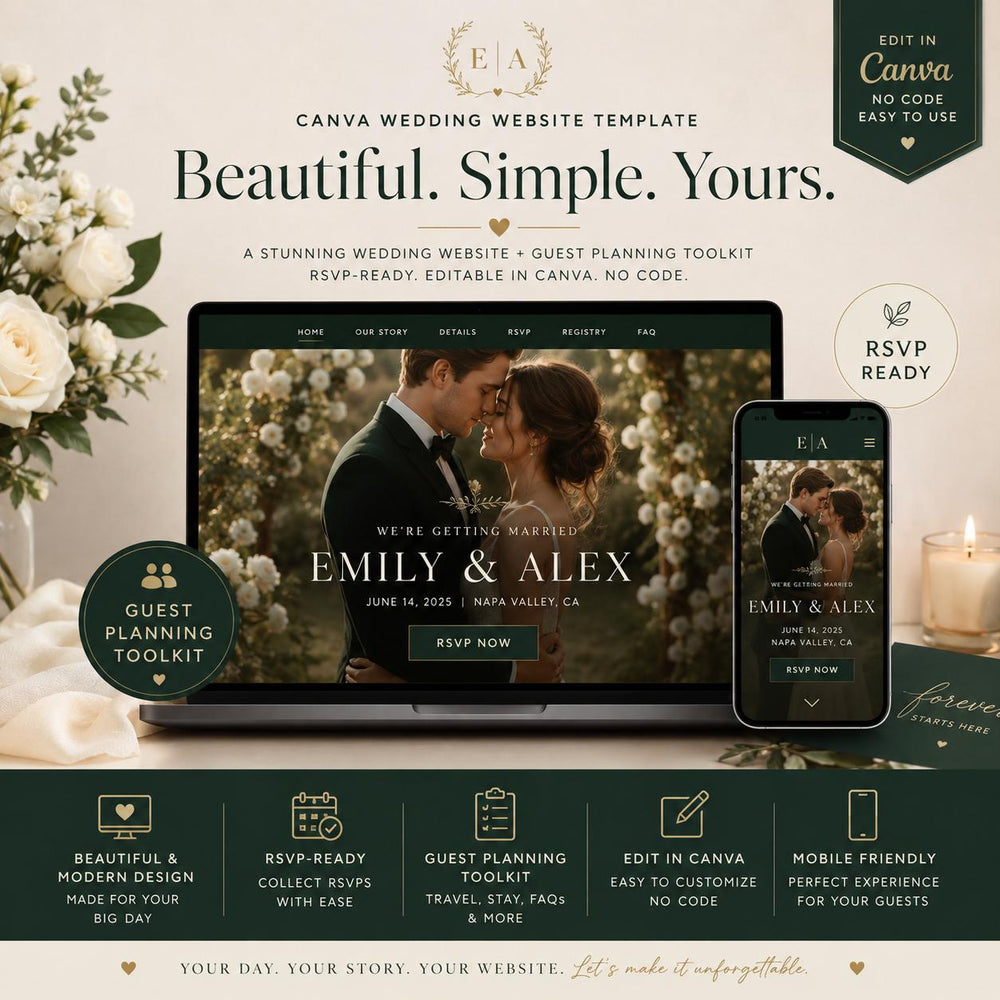
Share wedding details through an editable Canva website template with space for your date, schedule, travel notes, dress guidance, FAQs, and RSVP links. The site is designed for phone and desktop viewing; preview the published version before sending it to guests.

  • Buyer files: Access PDF with a Canva template link, 10-page Start Here guide, and XLSX guest-response tracker.
  • Edit names, images, colors, and copy in your buyer copy of the Canva site.
  • Connect the Yes/No actions to an email, Canva Form if available, or another public form you control. Responses are handled by that destination.
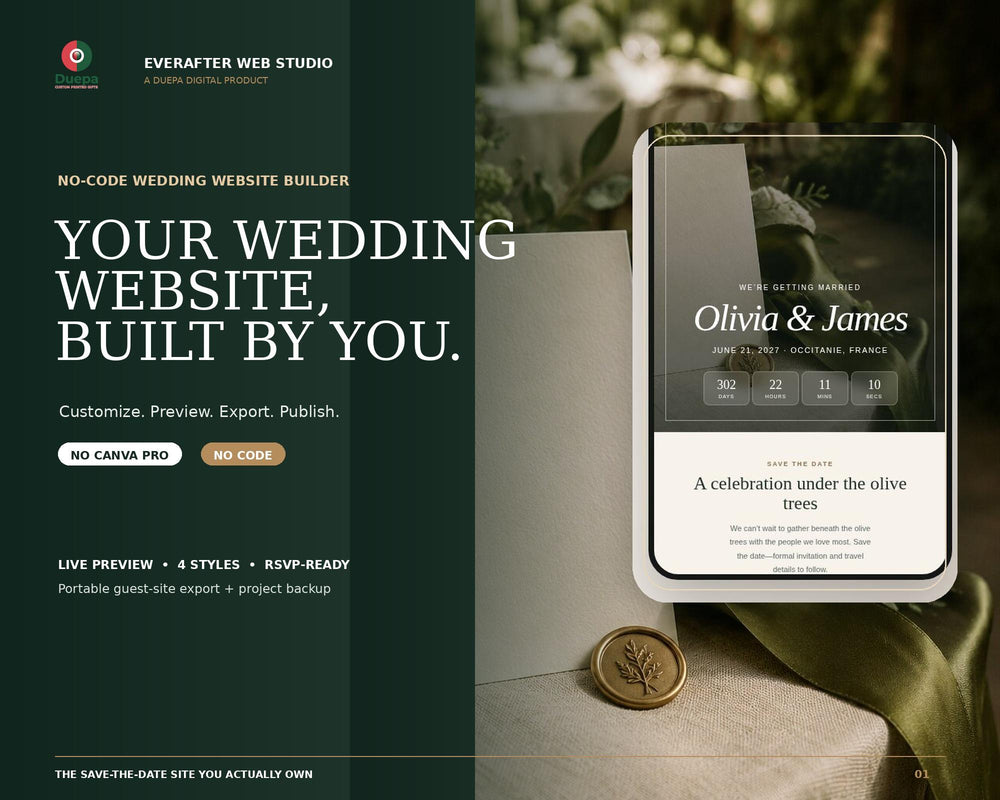
  • The countdown area is a layout until you verify a working timer in your published copy.

A custom domain and third-party form service are not included. Keep the editable buyer link private; share only the published website URL with guests.

  • 5 stars: 1 (100%)
  • 4 stars: 0 (0%)
  • 3 stars: 0 (0%)
  • 2 stars: 0 (0%)
  • 1 star: 0 (0%)
O
Oliver Q.
Exactly what I needed

Exactly what I needed! Download was instant and it worked flawlessly. Highly recommend if you want to save yourself a headache

Questions and answers

Is Canva Pro required to use this Digital Invite Template or Online Event Page?
No. The buyer copy is designed for editing with a free Canva account and uses original uploaded visuals rather than Pro stock. If Canva later swaps an element with a Pro asset, Canva will prompt you before export or publication.
Where do RSVP responses go for the RSVP Ready Guest Hub?
You choose the destination. Link the Yes and No actions to a prefilled email, a Canva Form (if available in your account), or a public form you control. Duepa does not receive or store guest responses. Use the included XLSX Data Formatter to log replies.
Is the countdown automatically live on the DIY Mobile Save The Date?
The template includes a countdown-ready layout. Preview after personalization; if static, use Canva’s current Countdown Timer app if available. Do not describe the countdown to guests as live until you confirm it functions.
Can I use my own domain for the Accessible Marriage Link or Virtual Union Announcement?
Canva may offer a free canva.site address and options for connecting domains you already own. Domain availability and connection rules can change, and a paid domain is optional and not included.
Can guests edit the Editable Event Portal?
No. Guests should receive only the published website URL. Keep your buyer copy and edit links private to prevent unintended changes.

Cart

Your cart is empty.

Explore the collection when you're ready.

Continue shopping
View full cart