Digital product

Interactive Digital

Wedding Website Template

Price: $11.37 USD

Regular price: $16.24 USD30% off

Available

This option is not ready to purchase. Please contact us for help.

A question about this edition?Contact us

Interactive Digital

Digital download

Automatic access is provided after payment confirmation. Allow up to 1 hour.

Digital files and access

What’s included
  • EverAfter_Web_Studio_v1.0.zip contains EverAfter_Studio.html (the private editor), sample editorial image, license, START_HERE.pdf quick-start guide, HOSTING_GUIDE.pdf, and a project JSON backup template.
  • The live guest preview includes a wedding countdown and a mobile-first layout so guests see essential mobile wedding info at a glance.
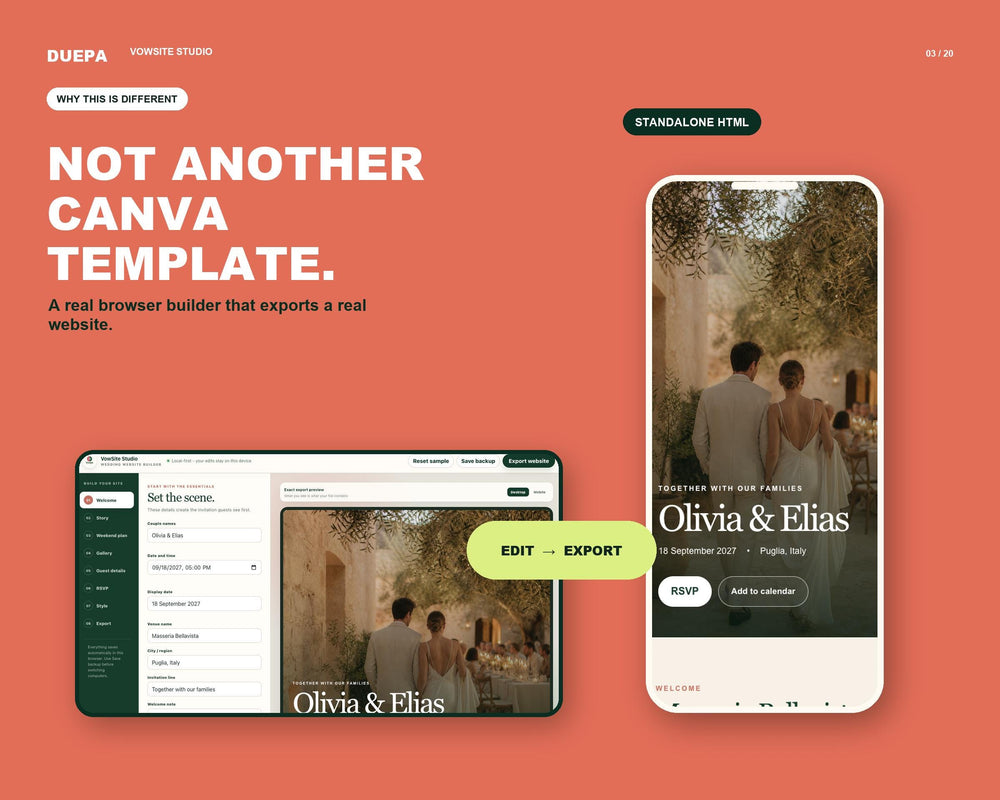
  • The exported HTML file is the standalone guest site you publish; the editor remains a private, local workspace.
  • How it works — quick workflow
  • Open EverAfter_Studio.html in a current desktop browser, edit guided fields for story, schedule, map, and photos, add an HTTPS RSVP/form link from your chosen provider, preview on desktop and mobile, then export the guest HTML file.
File formats
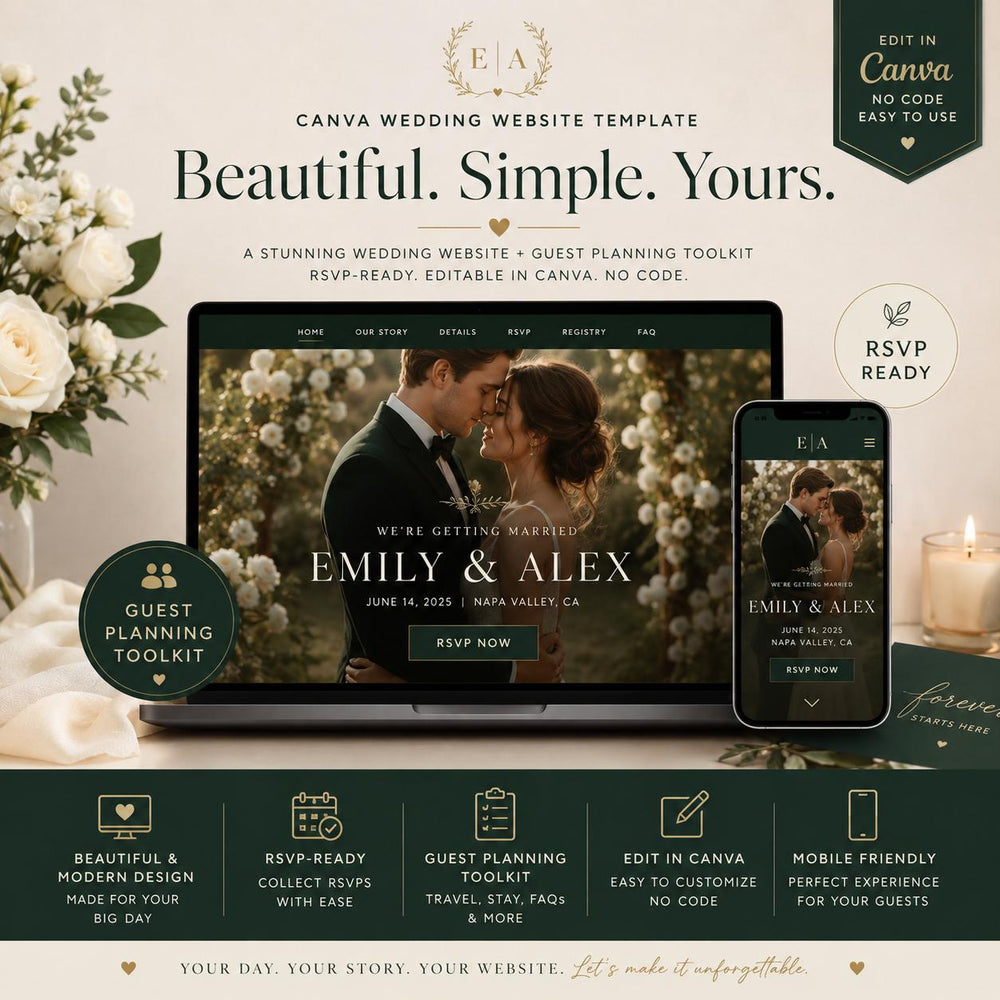
PDF, ZIP, HTML, Canva template
Compatibility
Compatibility and requirements
Editing
Canva

Share this product

Facebook Pinterest

Share using your device or copy the product link for any app.

The full story

Product details

Details that matter

  • Provides an editable wedding website with RSVP and countdown
  • Runs in a browser-based HTML editor
  • Centralizes event details for guests

What you receive

  • EverAfter_Web_Studio_v1.0.zip contains EverAfter_Studio.html (the private editor), sample editorial image, license, START_HERE.pdf quick-start guide, HOSTING_GUIDE.pdf, and a project JSON backup template.
  • The live guest preview includes a wedding countdown and a mobile-first layout so guests see essential mobile wedding info at a glance.
  • The exported HTML file is the standalone guest site you publish; the editor remains a private, local workspace.
  • How it works — quick workflow
  • Open EverAfter_Studio.html in a current desktop browser, edit guided fields for story, schedule, map, and photos, add an HTTPS RSVP/form link from your chosen provider, preview on desktop and mobile, then export the guest HTML file.

Editing and use

  1. Choose the available product options and provide any required details.
  2. Complete checkout.
  3. Follow the delivery or proof instructions provided with the order.
Important details

Refer to the product description for verified limitations and care or license terms.

What this helps with
  • Event planning
Read the full contents and product details

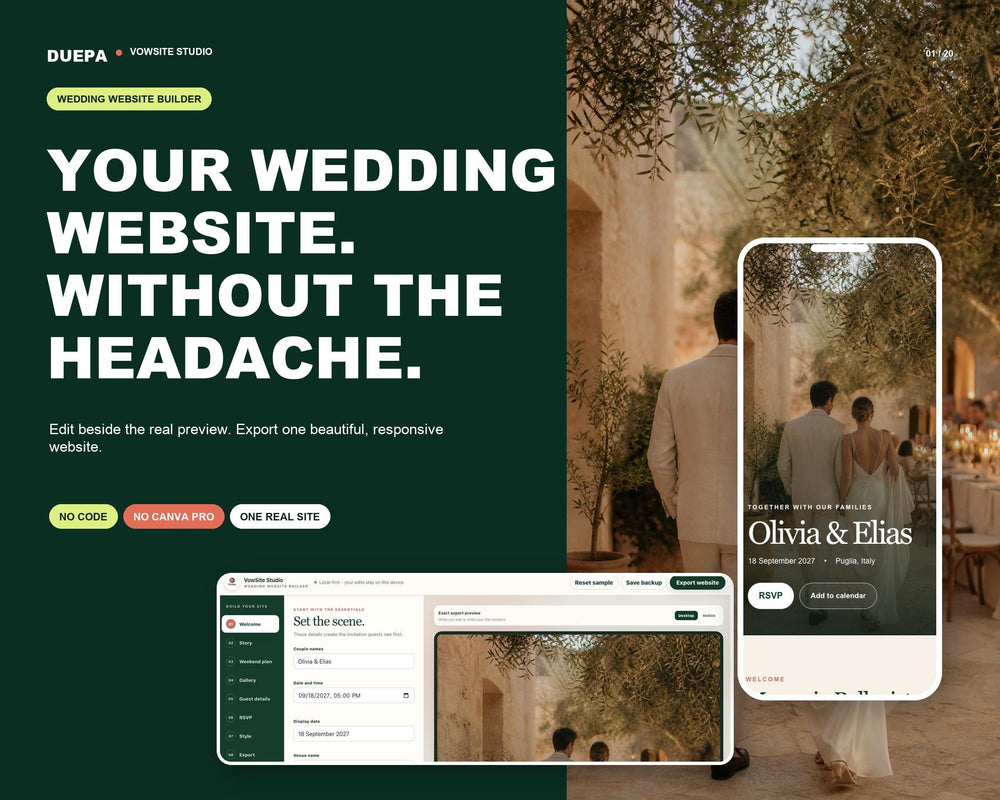
Build your wedding details into a portable, elegant wedding website template that runs in your browser and exports a guest page you can host anywhere. EverAfter Web Studio is a browser-based editor that guides you through names, date, venue, schedule, photos, colors, map, calendar, and an HTTPS RSVP link without code or a paid Canva account.

  • Browser based editor with live preview — ideal for digital invitations and a save the date site
  • Portable HTML guest portal export for any hosting service
  • Includes four visual styles: Olive Letter, Espresso Noir, Coastal Blue, Vintage Rose
  • Built-in countdown, schedule, calendar, map, and mobile wedding info layout
  • RSVP page builder via secure HTTPS form-link (connect the provider you choose)
  • Project JSON backup and restore, plus START_HERE.pdf and HOSTING_GUIDE.pdf
  • Personal-use license for one wedding; ZIP bundle

The ZIP includes the local editor, guides, and backup template. Hosting, a custom domain, and an RSVP form service are separate. The personal-use license covers one wedding website; redistribution or resale of the editor or exported site as a template is prohibited.

Questions and answers

Can I collect RSVPs?
Add an HTTPS RSVP or form link from your chosen provider. That provider handles submissions and storage.
Do I need Canva or coding skills?
No. The editor runs in a browser and does not require Canva or coding.
How do I publish the guest page?
Export the guest HTML file, test it locally, then upload it to your hosting service using the included HOSTING_GUIDE.pdf.
Is this mobile-friendly?
The exported guest page includes a responsive layout for phones and tablets; preview it on your devices before sharing.

Cart

Your cart is empty.

Explore the collection when you're ready.

Continue shopping
View full cart